
ARTICLES · INSIGHTS · CAREER GUIDANCE
Practical IT Knowledge. Real Career Growth.
Explore complete practical guides on IT careers, networking, cybersecurity, interviews, AI, and technical résumés.
Featured Insight
A practical guide to turning knowledge into demonstrable skills.

Certifications Can Open Doors. Practical Skills Help You Walk Through Them.
A certification can demonstrate that you studied a defined body of knowledge. Employers also want to know whether you can apply that knowledge when a network fails, a user cannot connect, or a security policy blocks legitimate traffic.
Start with fundamentals: IP addressing, subnetting, switching, routing, DNS, DHCP, and basic security. Then practice in a lab. Configure a small network, document what you built, break a connection intentionally, and troubleshoot it methodically.
Build evidence of your skills. For each project, record the objective, topology, configuration decisions, verification commands, problems encountered, and resolution. A short, well-organized portfolio can make interview conversations much more concrete.
Certifications and practical experience are complementary, not competitors. Choose a certification aligned with your target role, but use labs and projects to turn preparation into demonstrable ability.
Your next step: choose one networking topic this week, build a small lab around it, and write a one-page project summary.
Articles & Insights
Seven complete educational articles. The visual thumbnail banners are editable Elementor containers; optional PNG thumbnails are supplied separately.

IT Career
How to Start an IT Career Without Wasting Time
The fastest way to lose momentum in IT is to chase every job title, tool, and certification at the same time. Start by choosing a direction: IT support, systems administration, networking, or security.
Read several job descriptions for entry-level roles in your chosen area. Identify repeated skills and tools. Build a learning plan around those requirements rather than relying on social-media trends.
For a networking path, begin with the OSI and TCP/IP models, IP addressing, subnetting, Ethernet, VLANs, switching, routing, and basic troubleshooting. Practice using physical or virtual labs.
Create two or three projects that you can explain clearly. For example, build two VLANs with inter-VLAN routing, add DHCP, and verify connectivity. Document both successful configurations and failures you resolved.
When applying for jobs, describe what you actually did. Distinguish between professional experience, training projects, and certifications in progress. Seek feedback, practice interviews, and refine your résumé based on the roles you target.
Action plan: pick one target role, list ten recurring job requirements, and map each requirement to a learning activity or project.
Networking
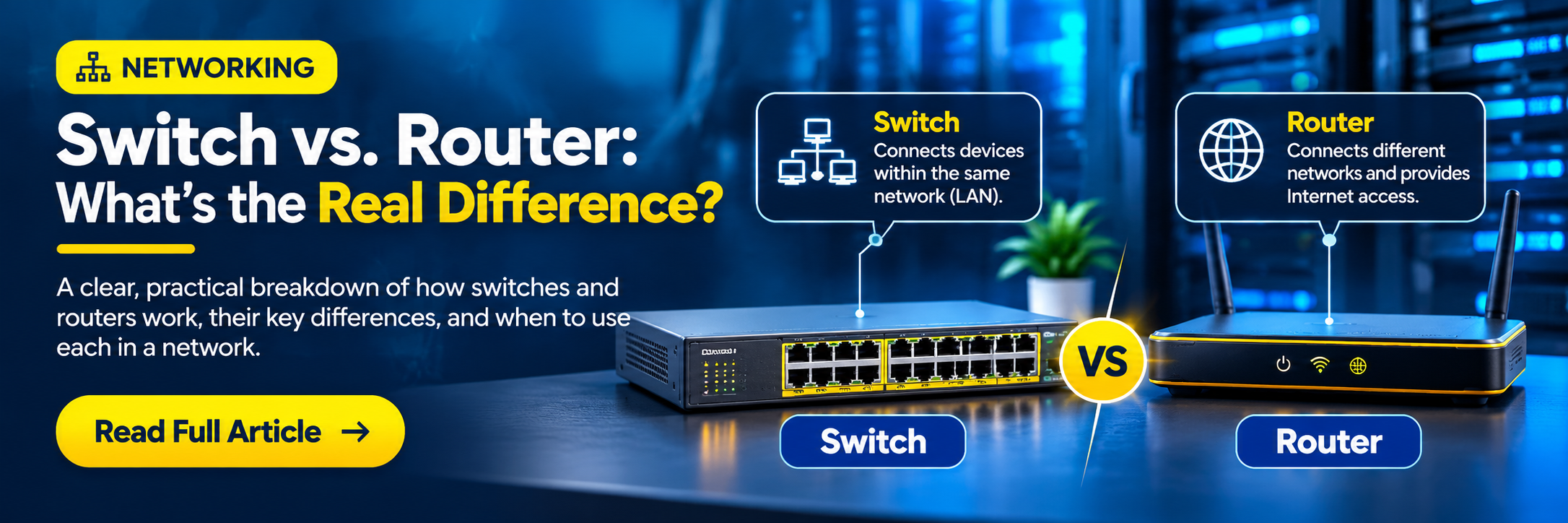
Switch vs. Router: What's the Real Difference?
A switch primarily connects devices within a local network. A typical Layer 2 switch learns source MAC addresses and forwards Ethernet frames using its MAC address table. Managed switches can also separate traffic into VLANs.
A router connects different IP networks and forwards packets based on destination IP addresses and its routing table. Routers often provide the path between VLANs, branch offices, and the internet.
Imagine PCs in VLAN 10 and printers in VLAN 20. A switch can carry both VLANs, but communication between them requires Layer 3 routing—through a router or a multilayer switch configured for routing.
Useful checks include show mac address-table, show vlan brief, show interfaces status, show ip route, and ping or traceroute, depending on the platform.
Remember that modern multilayer switches can perform routing, so the physical device name does not always tell you every function it performs.
Practice: draw a two-VLAN network, identify where switching happens, identify where routing happens, and explain how a packet reaches a device on another subnet.
Cybersecurity
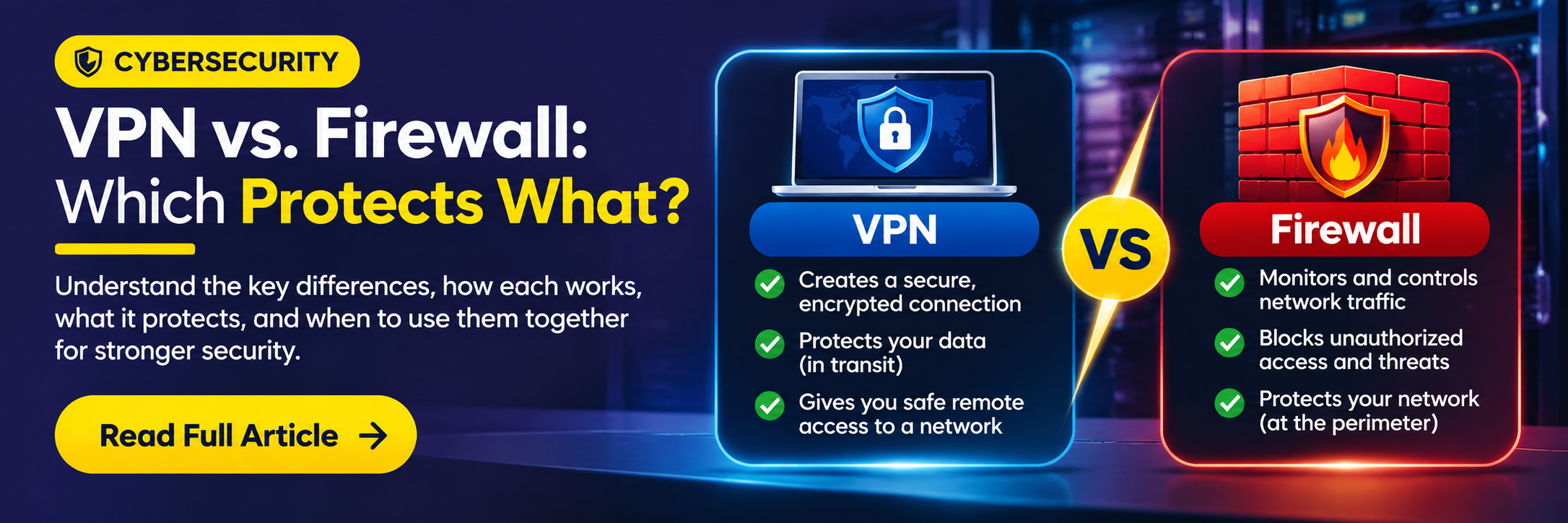
VPN vs. Firewall: Which Protects What?
A VPN and a firewall solve different security problems. A VPN establishes a protected connection between endpoints or networks, usually by encrypting traffic across an untrusted path.
A firewall evaluates traffic against security rules. Depending on the platform, it can filter by addresses, ports, applications, users, and other context. A firewall can allow, deny, or log connections.
A remote employee might use a VPN to connect securely to a company network. Once connected, firewall rules still determine which internal applications that employee may access.
A VPN does not automatically make a device trustworthy, and a firewall does not automatically encrypt all network traffic. Organizations often use both, along with identity controls, endpoint security, updates, and monitoring.
When troubleshooting, check tunnel status, authentication, routing, DNS, firewall policy, and logs. Verify where the packet stops instead of assuming the VPN or firewall is the only cause.
Practice: sketch a remote-user connection and label which component encrypts traffic and which component enforces access policy.
Technical Interviews
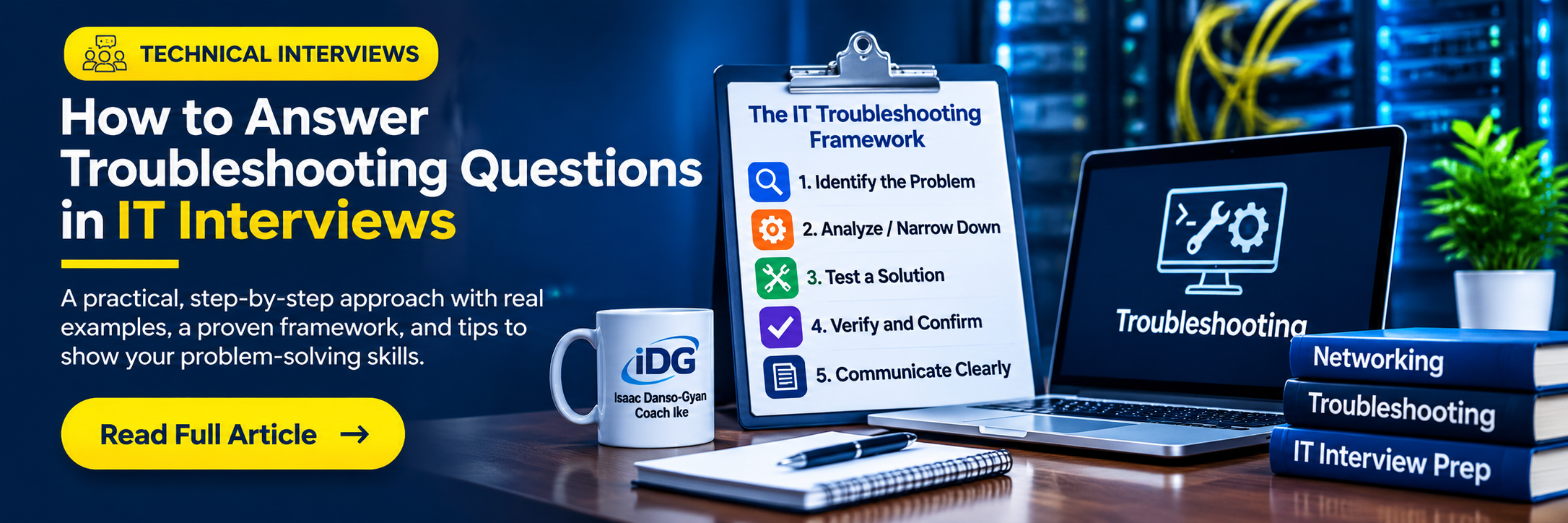
How to Answer Troubleshooting Questions in IT Interviews
Technical interviewers often care as much about your troubleshooting process as your final answer. Start by clarifying the symptoms: what failed, who is affected, when it began, and what changed.
Establish scope. Is the issue one device, one VLAN, one location, or the entire network? Verify the physical layer, interface status, addressing, gateway, DNS, routing, and relevant policies as appropriate.
Explain the evidence you would collect. On a switch, you might check interface errors, VLAN membership, MAC learning, and logs. On a router, you might inspect routes, ARP, and interface status.
State your hypothesis, test one change at a time, and preserve a rollback path. Avoid rebooting or changing multiple settings before understanding the failure.
Conclude by describing verification and documentation: confirm service restoration, monitor for recurrence, and record the root cause and fix.
Interview exercise: answer ‘Users in one VLAN cannot reach the internet. What do you check first?’ aloud in under two minutes using this structure.

AI & Technology
How AI Is Changing the Work of IT Professionals
AI can help IT teams summarize logs, identify patterns, draft documentation, and speed up repetitive analysis. Automation can also assist with configuration validation, inventory, and routine operational tasks.
These tools work best when professionals understand the underlying systems. If an AI assistant proposes a routing change, you still need to verify the topology, prefixes, next hops, and operational impact.
Start with low-risk uses: generating troubleshooting checklists, summarizing sanitized incident notes, or explaining unfamiliar commands. Avoid sharing credentials, private configurations, or sensitive customer data with unapproved tools.
For operational automation, use version control, peer review, lab testing, change windows, and rollback plans. Measure outcomes rather than assuming every automated recommendation is correct.
The strongest career strategy combines networking and security fundamentals with scripting, automation, and responsible AI use.
Try this: take a non-sensitive lab configuration, ask an AI tool to explain it, then independently verify every claim against device output and documentation.
IT Career
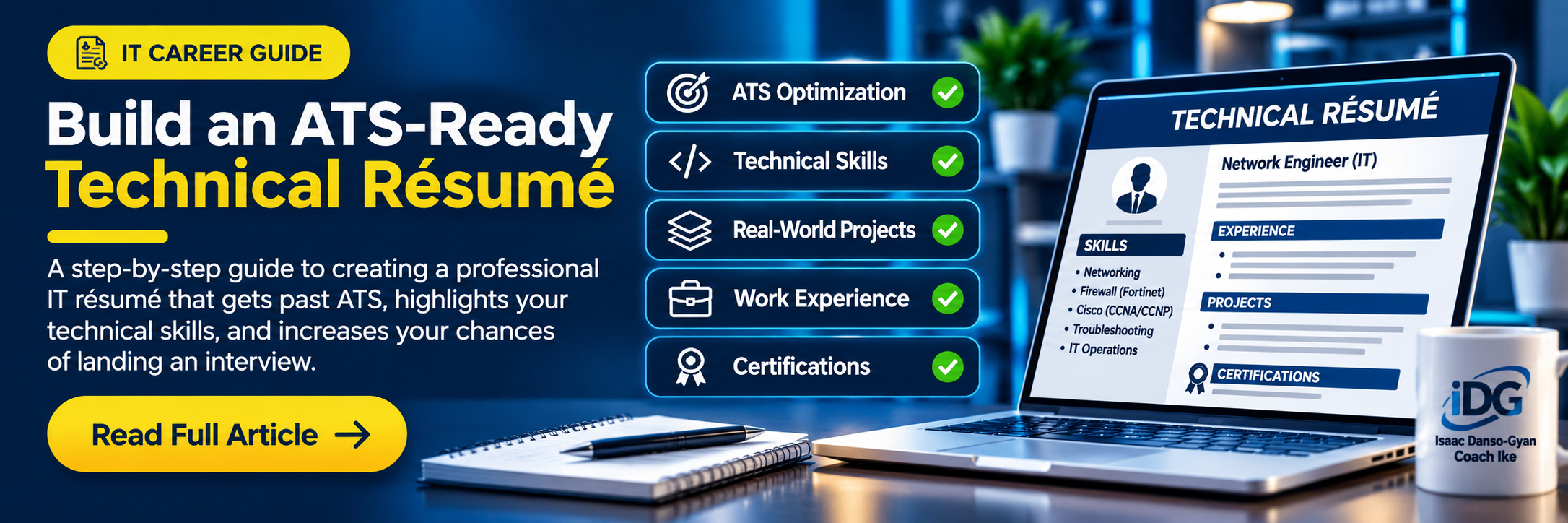
Build an ATS-Ready Technical Résumé
An applicant tracking system (ATS) helps employers organize applications. A clear résumé also makes it easier for human reviewers to find your relevant experience.
Use conventional headings such as Professional Summary, Technical Skills, Experience, Projects, Education, and Certifications. Keep formatting simple and avoid putting essential information inside graphics or complex tables.
Tailor your skills to the role. Include technologies you can explain and demonstrate, such as VLANs, OSPF, TCP/IP, Cisco IOS, firewalls, ticketing systems, or monitoring tools, when genuinely applicable.
Write accomplishment-oriented bullets. For a training project, say ‘Configured inter-VLAN routing for three lab VLANs and verified connectivity using ping and show commands,’ rather than implying it was a production deployment.
Be precise about credentials. ‘Preparing for CCNA’ is different from ‘CCNA certified.’ Clearly label labs, simulations, volunteer work, and paid employment.
Before applying, compare your résumé with the job description, correct terminology, proofread, and save a clean PDF unless the employer requests another format.
Action: revise one project bullet to show the task, tools, and verified outcome.
Ready to Take the Next Step in IT?
Turn what you read into hands-on practice with structured mentorship and training.